
How it works
How Neveshte writes a script with you.
Set up your Creator DNA once. Then every video goes from idea to a draft you can record, with your approval at each step.
01Creator DNA
It learns your channel once.
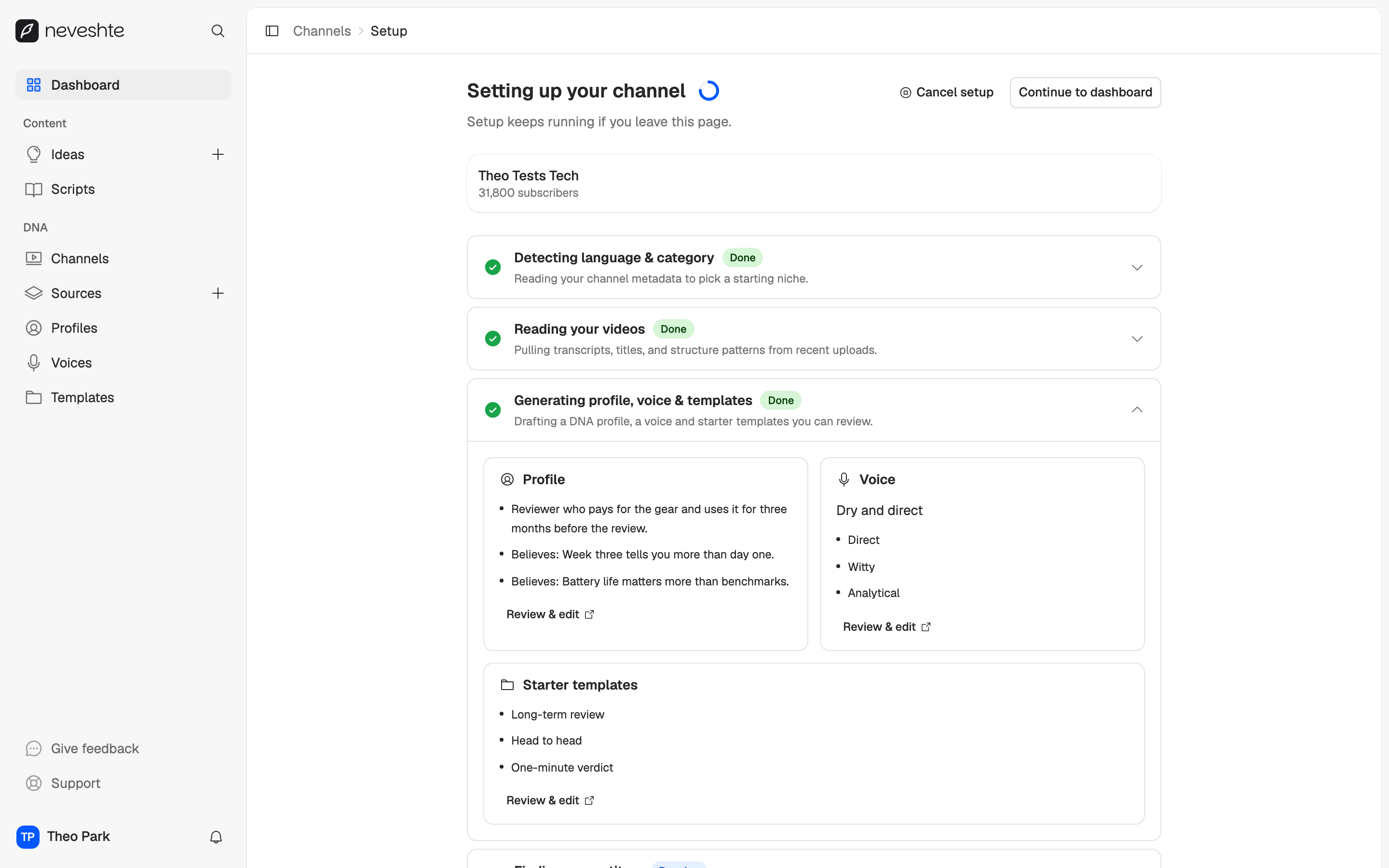
Paste your channel link. Setup watches your recent videos, reads the transcripts and drafts your DNA, for no credits.
Setup does the reading.
No questionnaire. It drafts three things from what you've already made, and you review each one.
- Who your videos are for, in a profile
- How you sound, in a voice
- How your videos are built, in templates
Learn from any video.
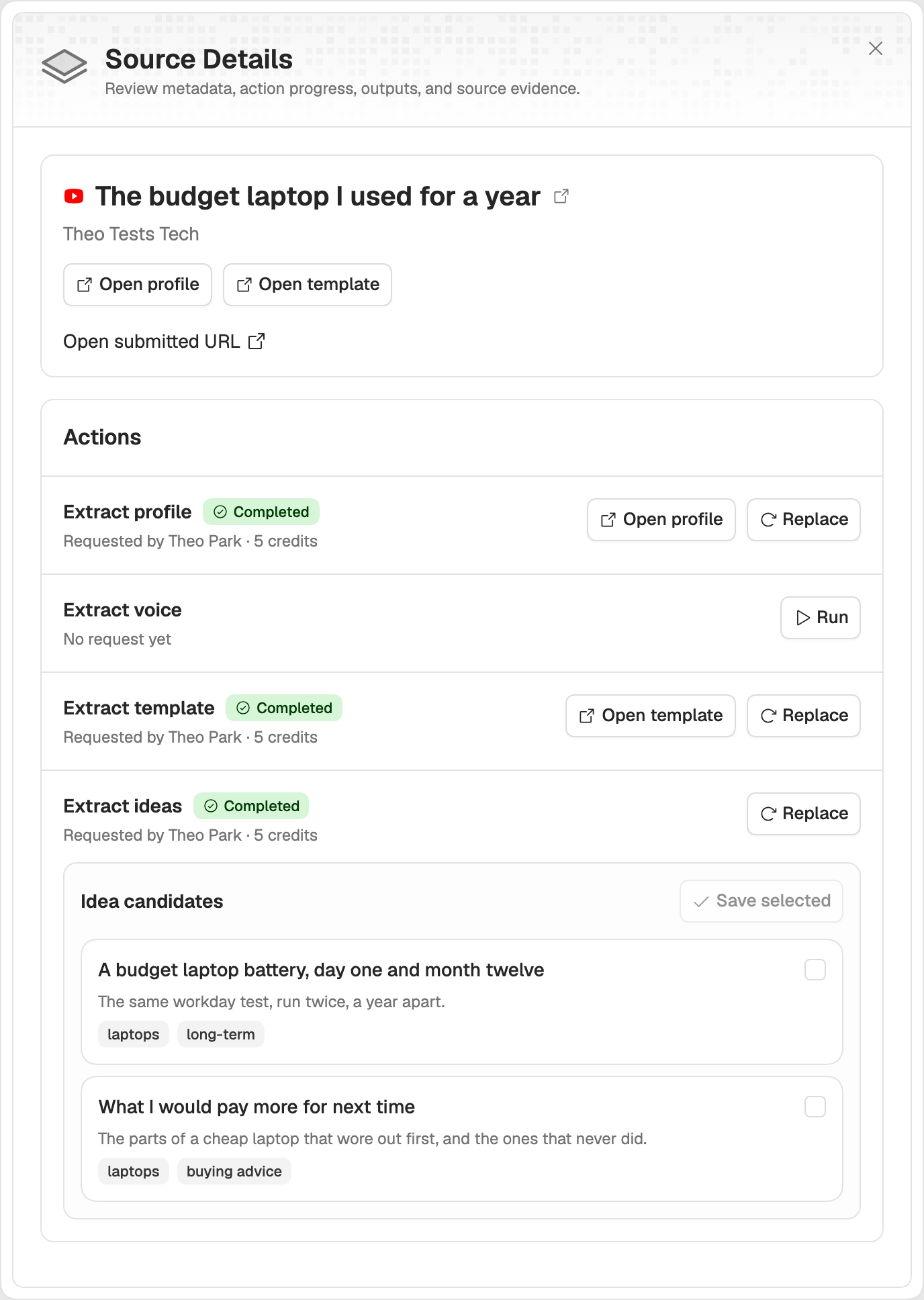
Paste any public YouTube video, yours or one you admire, and pull out what makes it work.
- A profile, a voice or a template
- Ideas, ready to save
- No channel yet? Start here
- credits to set up your channel
- 0
- templates in the library, 39 long and 31 Shorts
- 70
- credits to learn a profile, voice or template from a video
- 5
02Ideas
Every idea gets a place to wait.
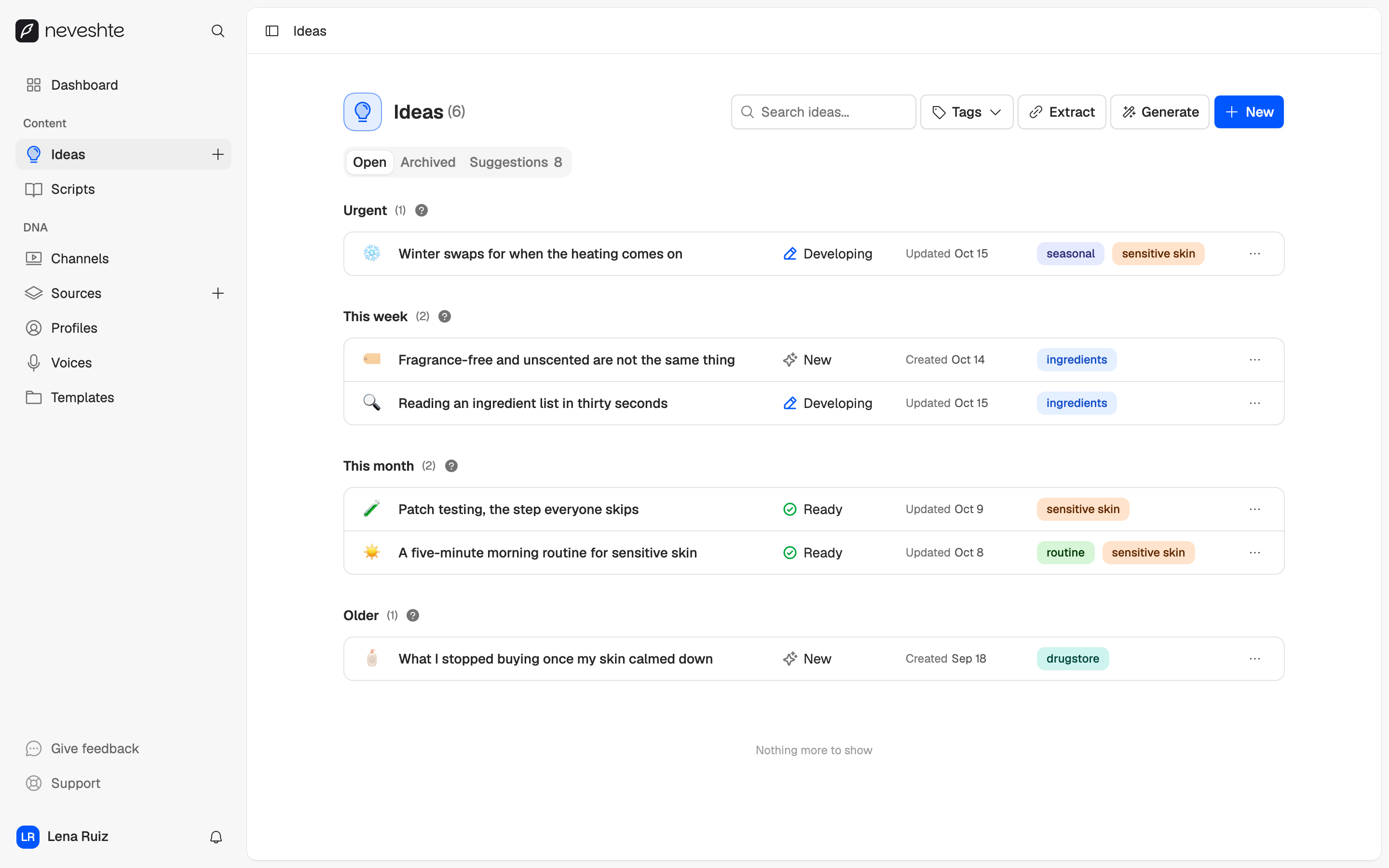
Write one down in a line, generate a few from your channel, or pull them out of a video.
- Sorted by when you need them: urgent, this week, this month
- Up to five suggestions from your channel for 2 credits
- Each moves from New to Scripted, and only you move it
Suggestions wait for you.
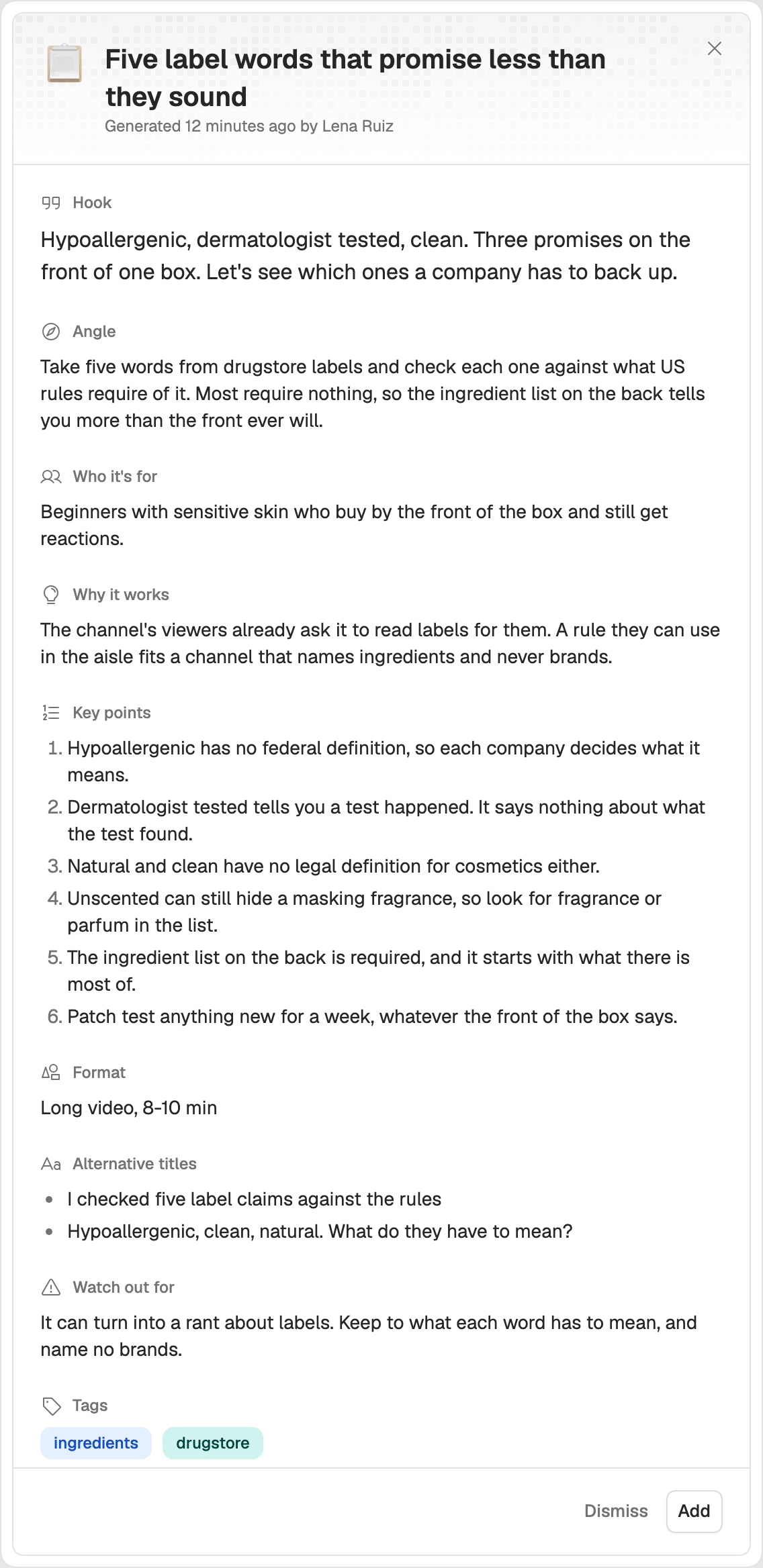
Generated ideas land on their own tab, shared with your team. Open one to read the brief before it joins your list.
- A hook, an angle and the key points
- Add it, and the brief becomes its notes
- Dismiss it, and it stays out of later runs
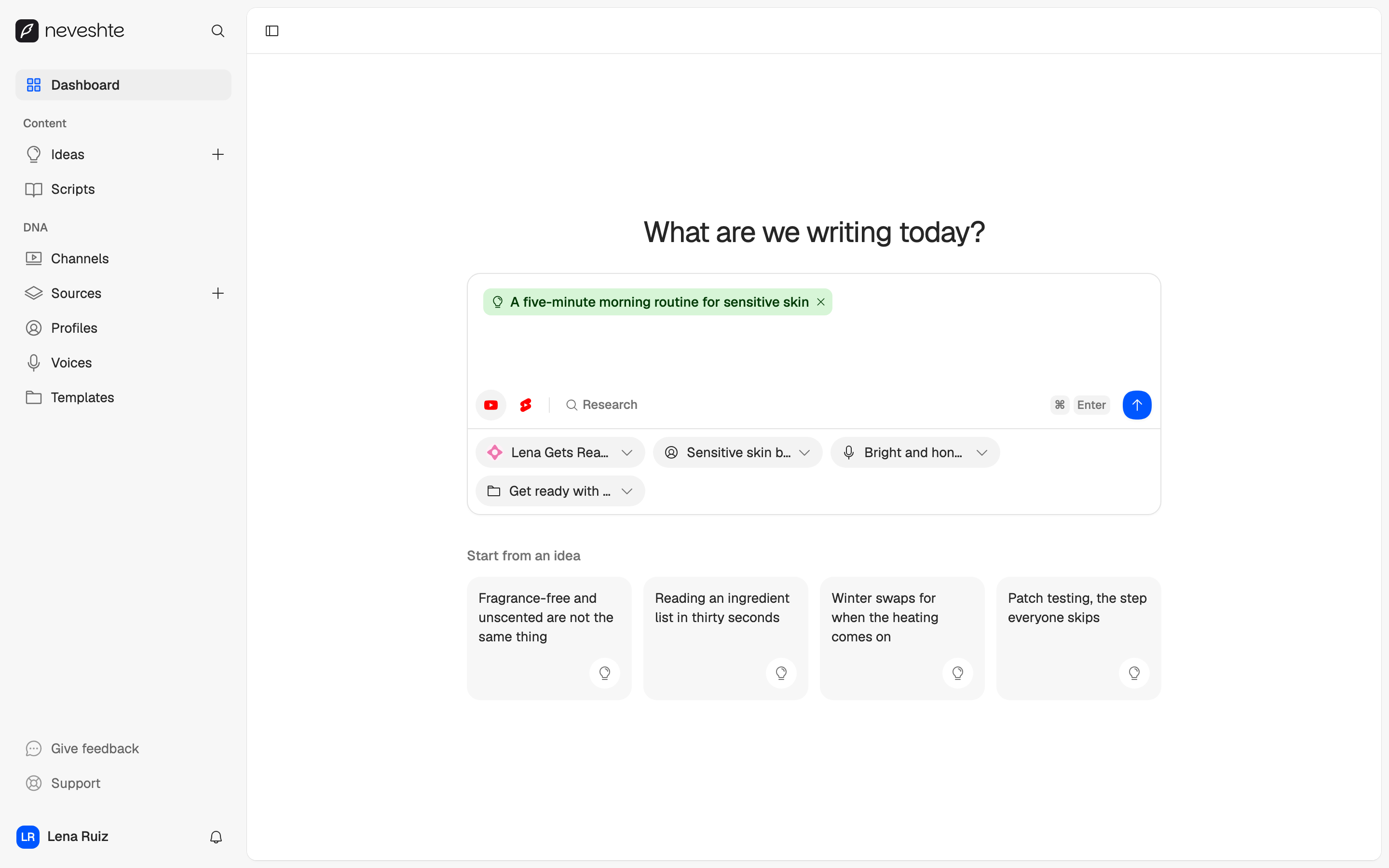
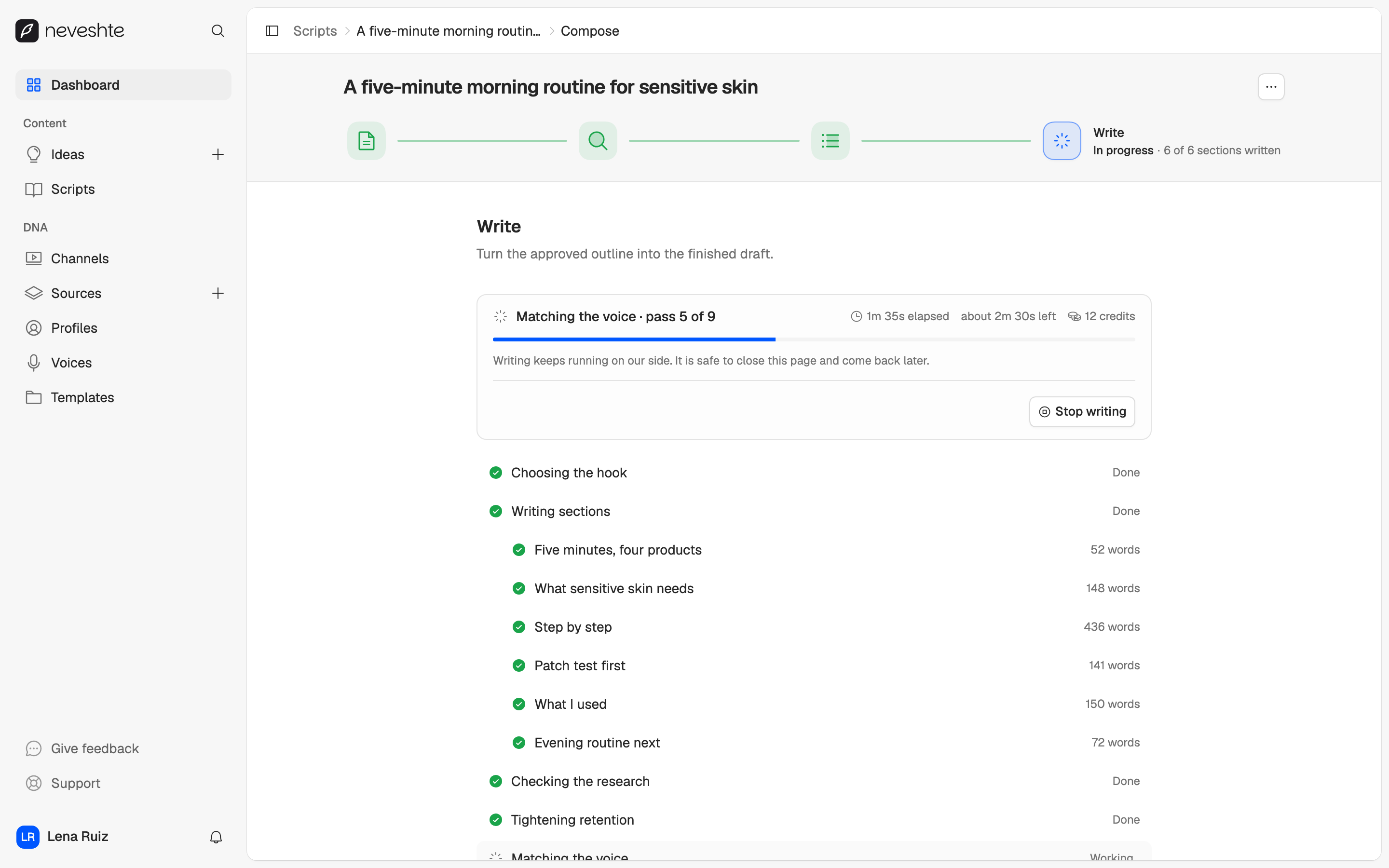
03Compose
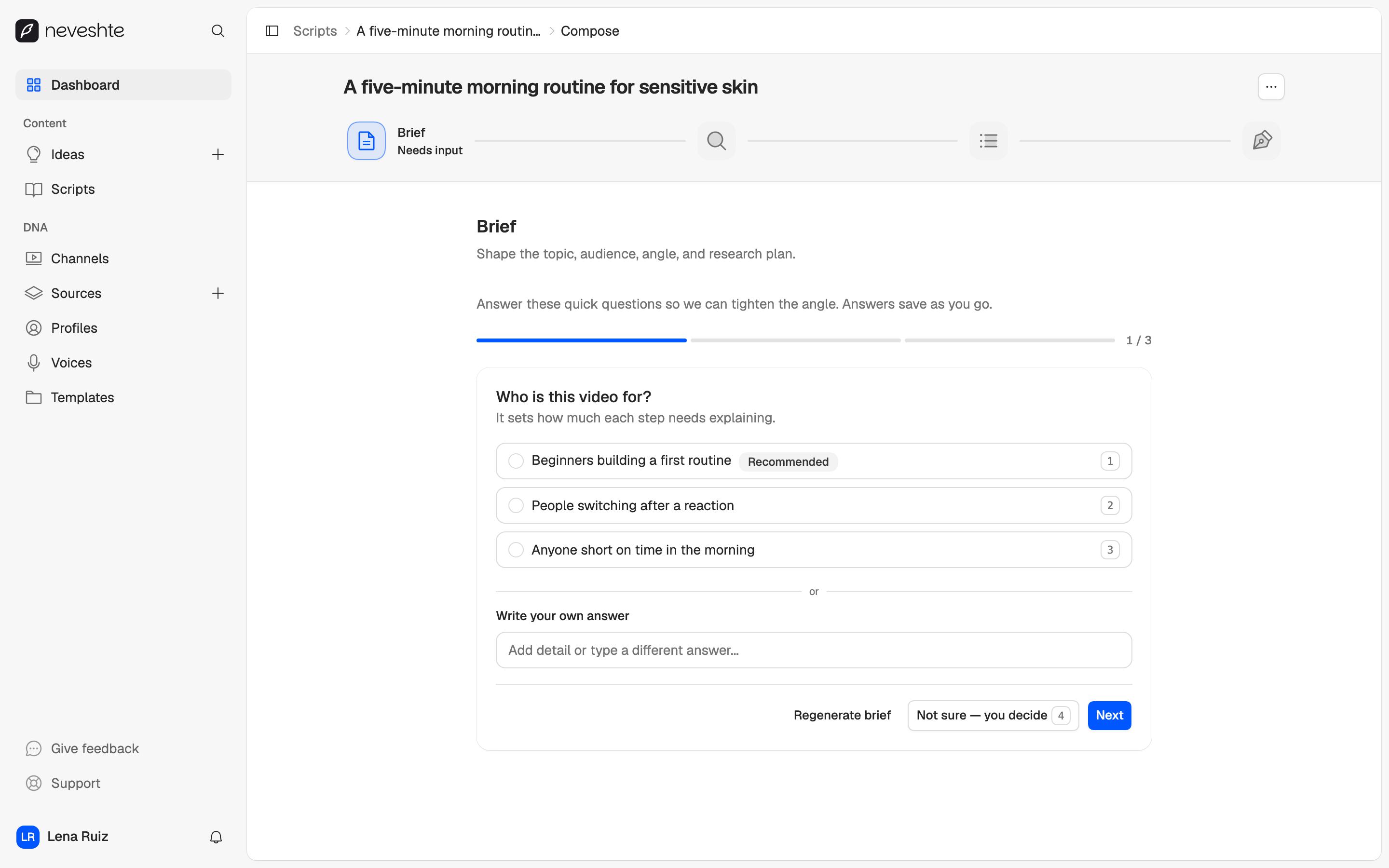
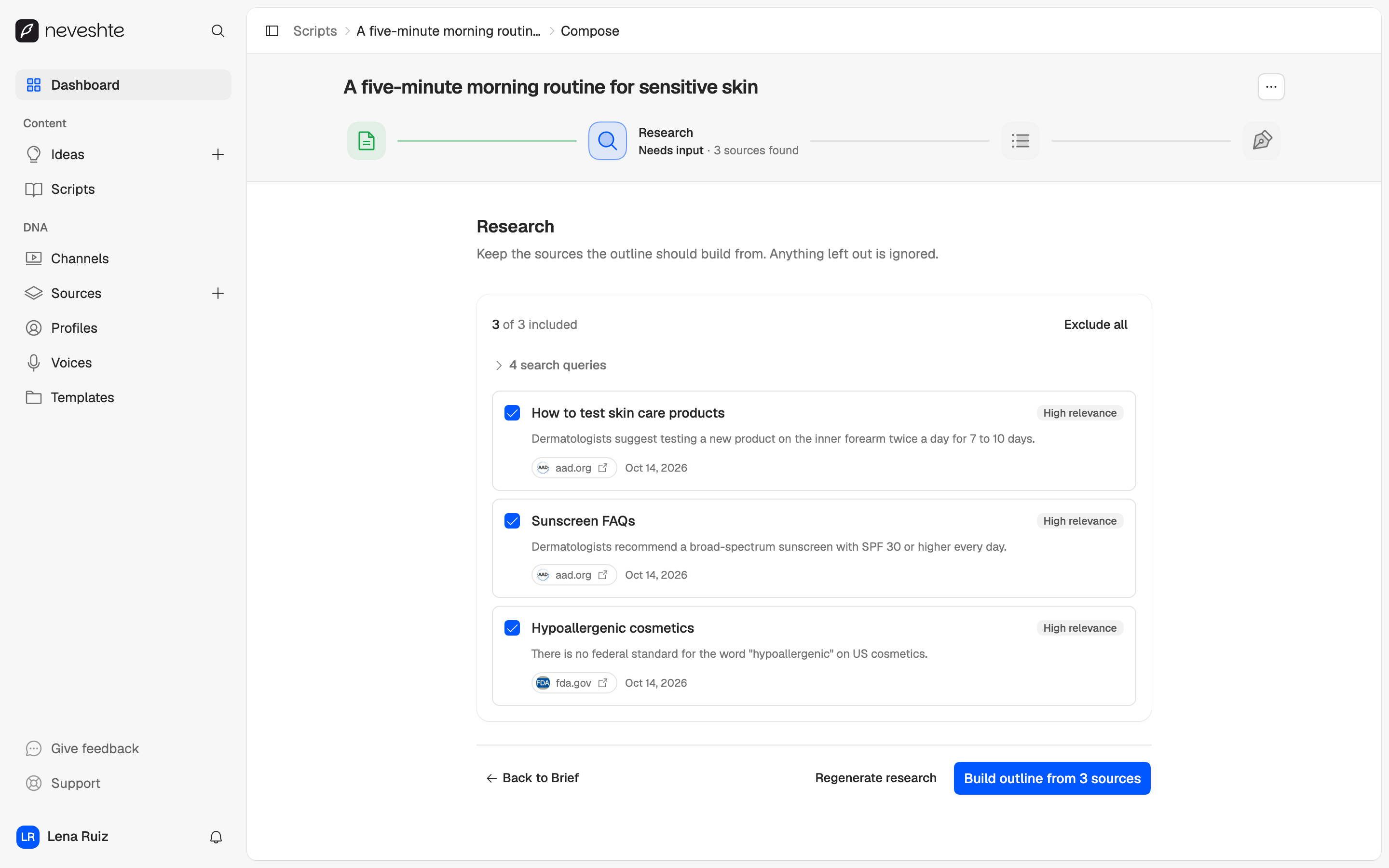
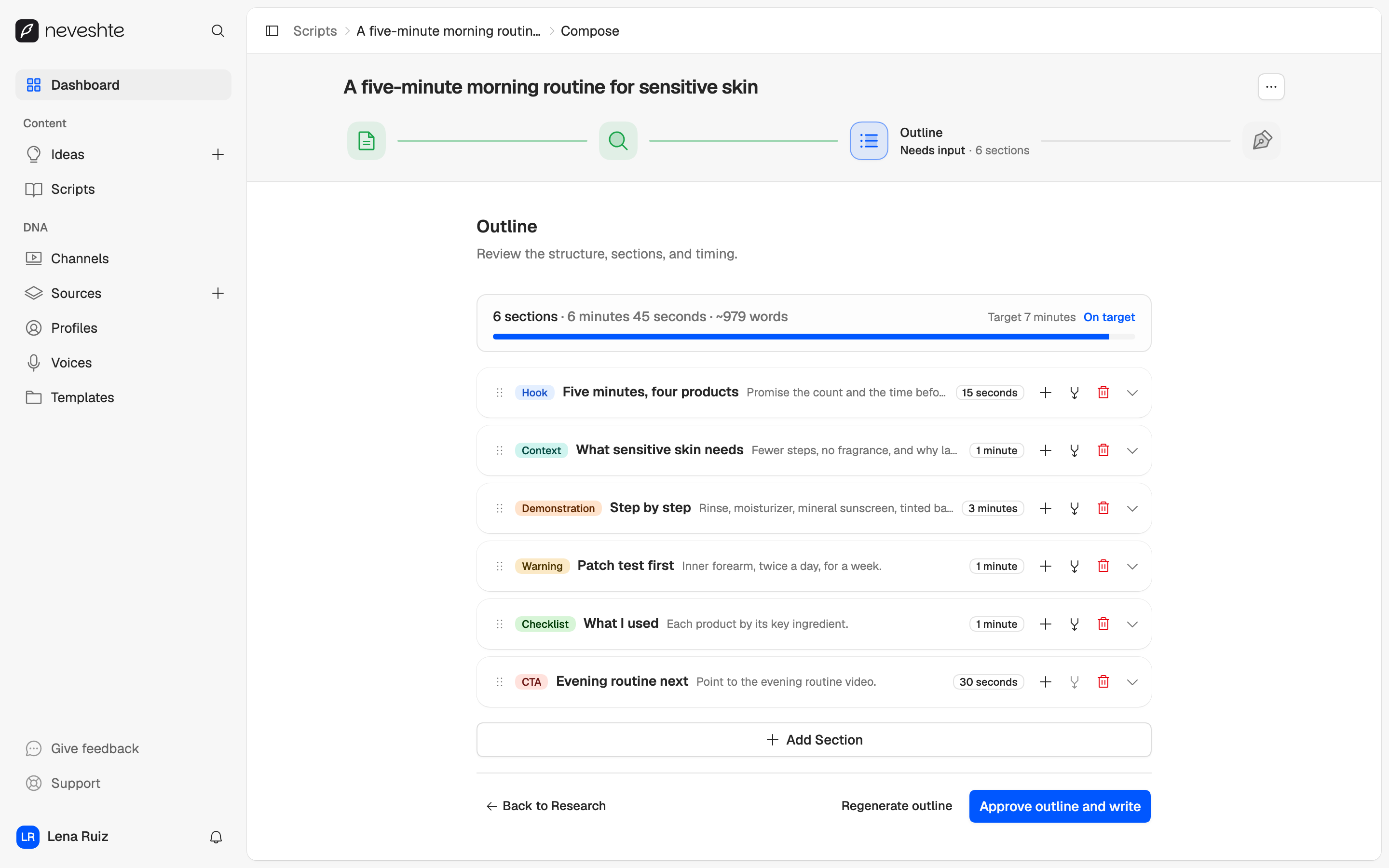
It asks before it writes.
Every script starts from your DNA, long video or Short. You approve the brief, the research and the outline before a line is written.
04Edit
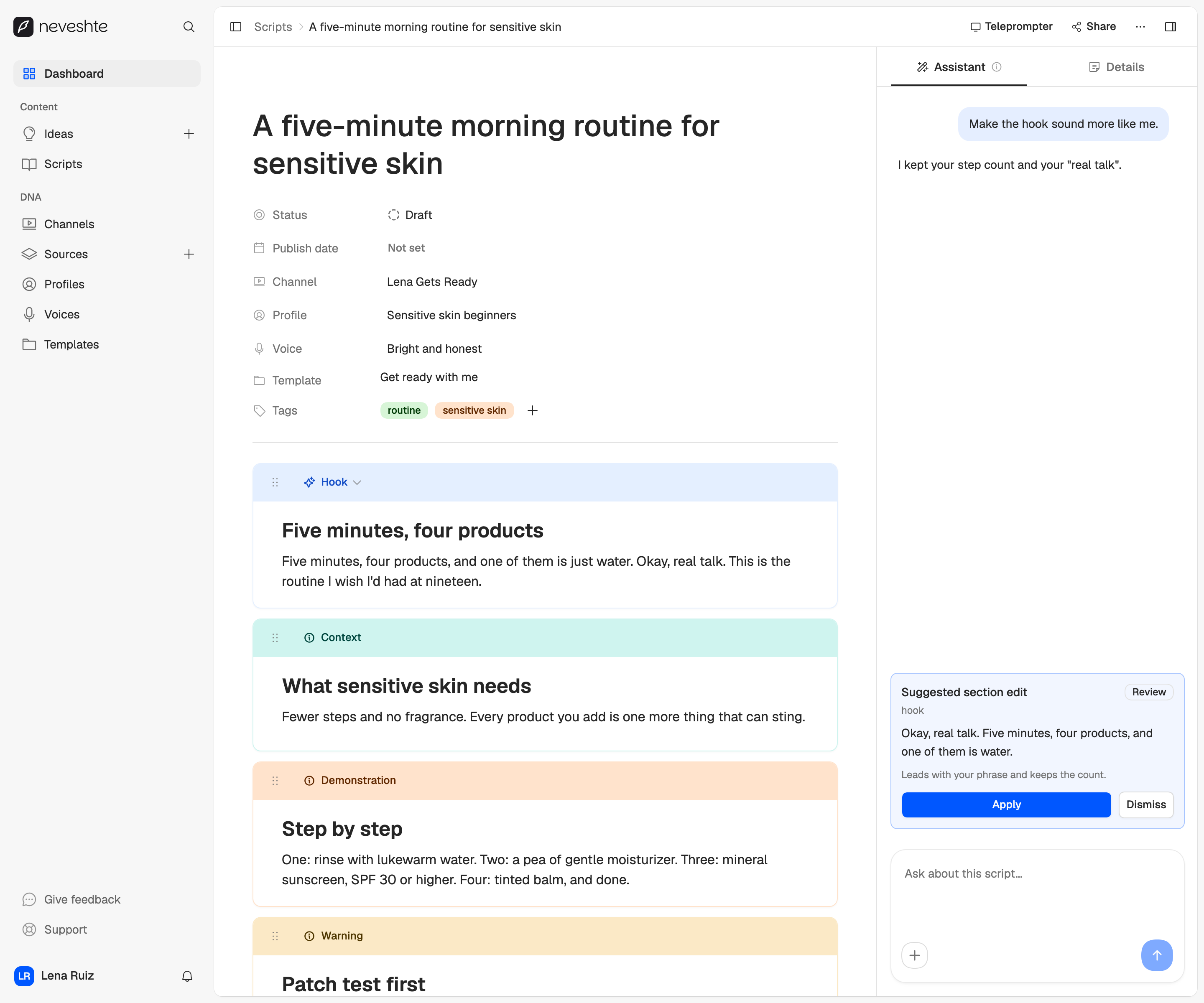
Then the script is yours.
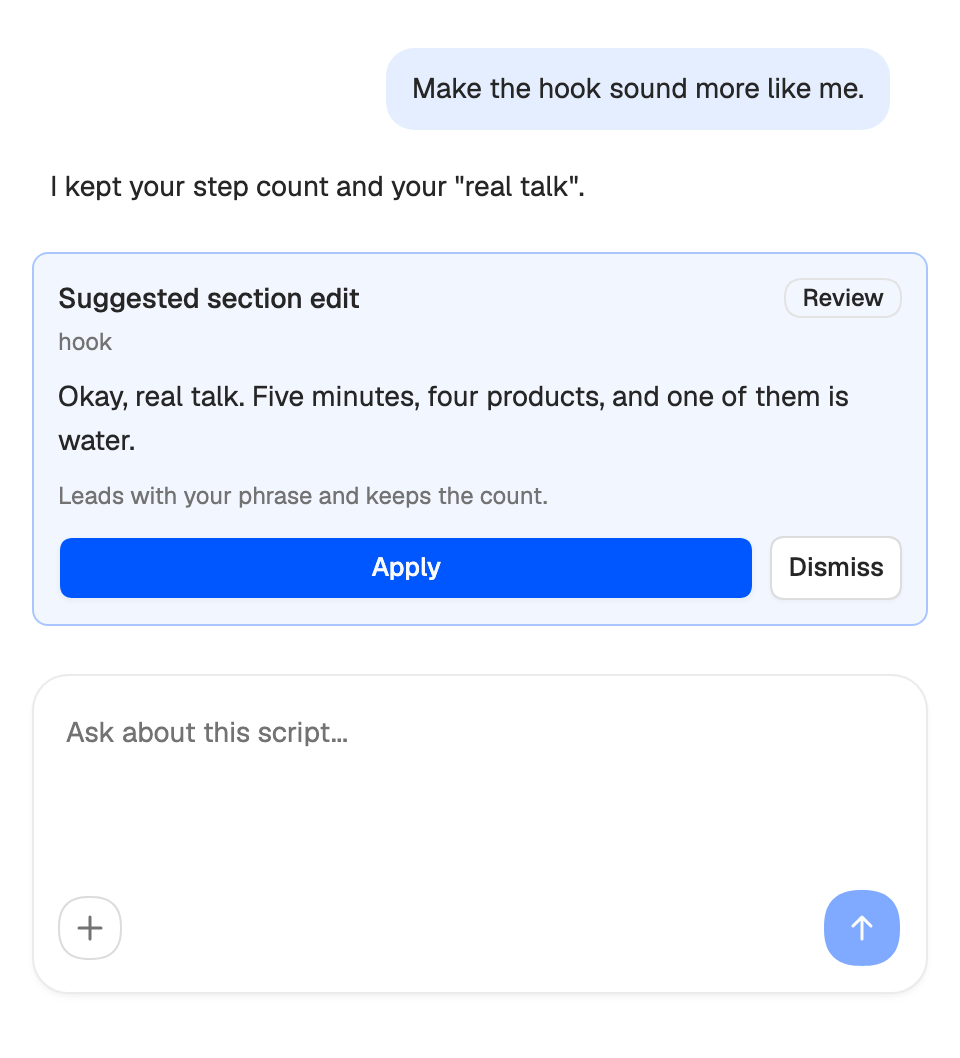
The draft opens as sections in the order you'll film them. The assistant only suggests.
- 20 section types for the story, 4 cues for the edit
- B-roll, shots, screen recordings and on-screen text
- Suggestions wait for Apply. Script facts and section moves are free
05Record and share
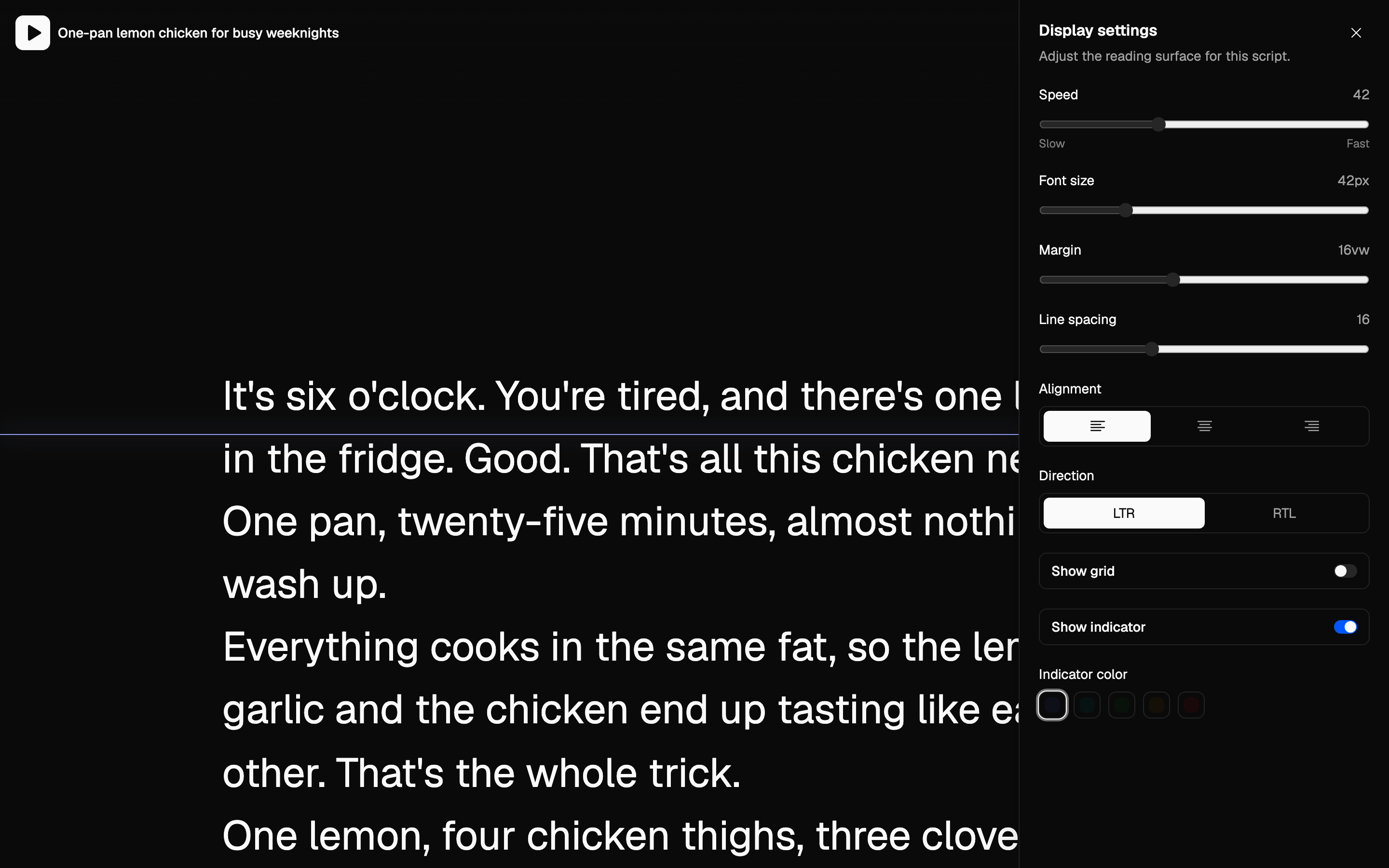
Read it off any screen.
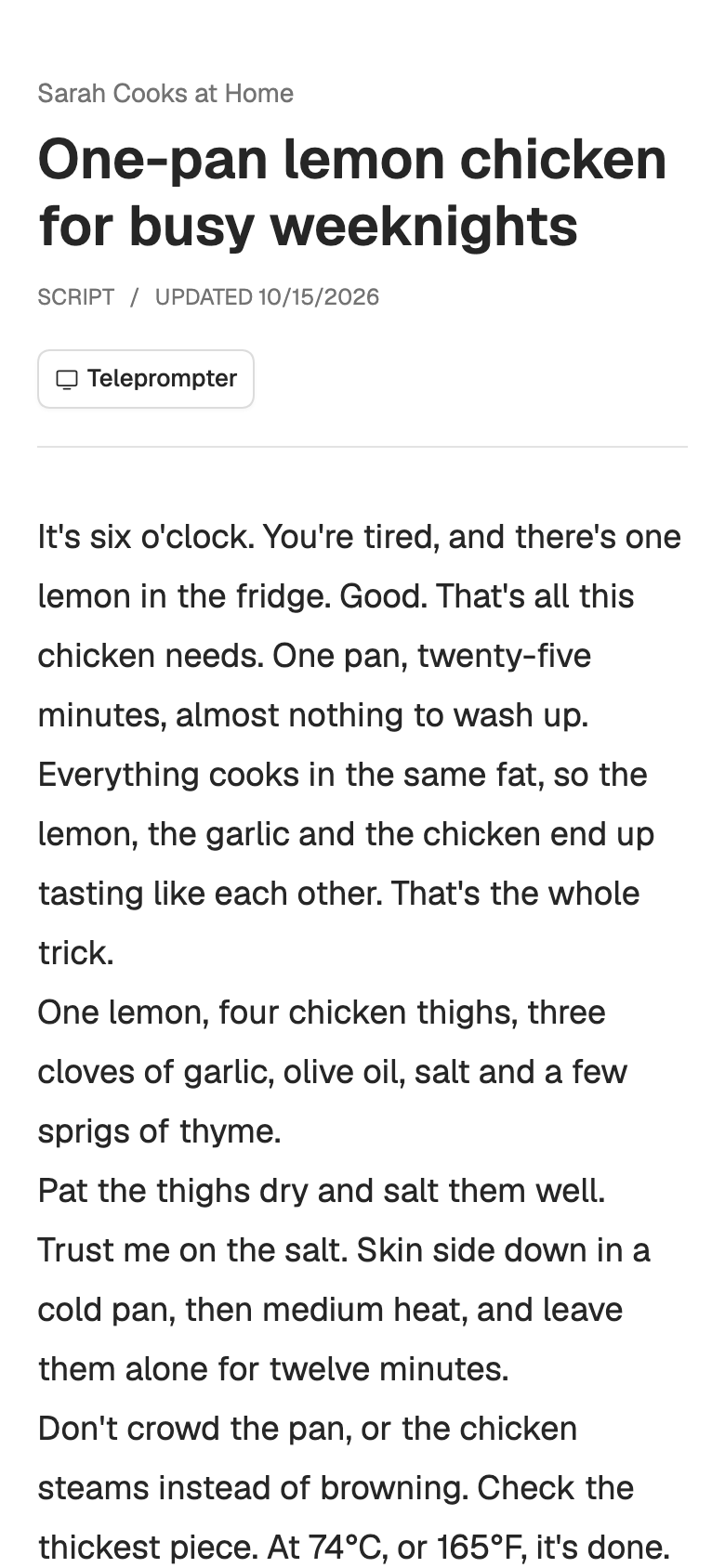
Open the teleprompter from the script, or scan the code and read from your phone. Nothing to install.
- Speed, size, margins, line spacing and a reading line
- It keeps your settings for next time
- A share link opens the script read-only, no account needed
What does setup read from my channel?
Your channel's public details, a few recent videos and their transcripts. From those it drafts a profile, a voice and up to five starter templates, and it costs no credits.
Can I use it without a channel?
Yes. Build your profile, voice and templates by hand, or import them from any public YouTube video you admire. You can add your own channel later.
Does it write Shorts?
Yes. You pick a long video or a Short when you start a script, and 31 of the 70 library templates are built for Shorts.
Join the waitlist.
We're letting creators in a few at a time, so every channel gets set up properly.
- 1Confirm your email
- 2Get your invite
- 3Set up your channel. Your 14-day trial starts then.